
 Español
 Français


There are no more items in your cart

Si bajamos el precio antes del 30, te devolvemos la diferencia. Ver condiciones
Touchscreen 1920 x 1080
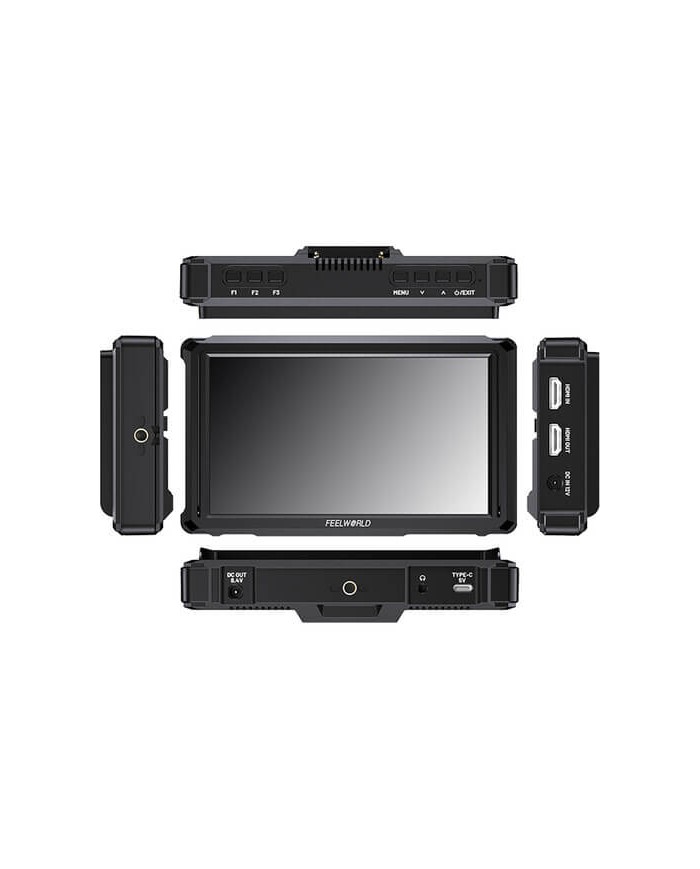
HDMI input up to DCI 4K; HDMI output
Import of custom 3D LUT via SD card slot
Brightness of 1200 cd/m²
USB-C power input Series L/LP-E6
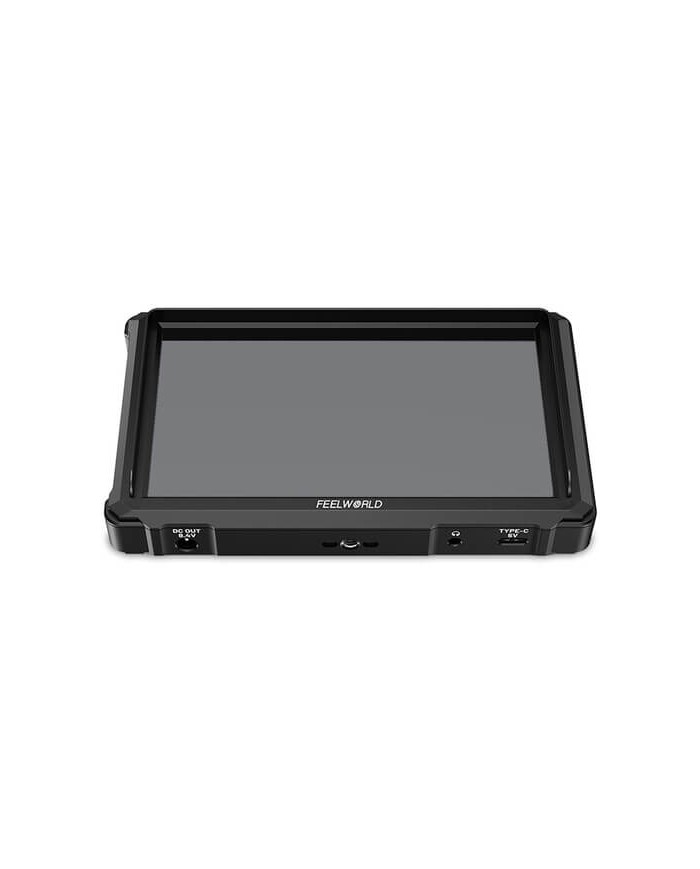
8.4 VCC power output with 2.1 mm connector
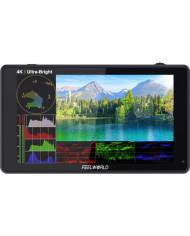
Waveform, vectorscope, histogram and more


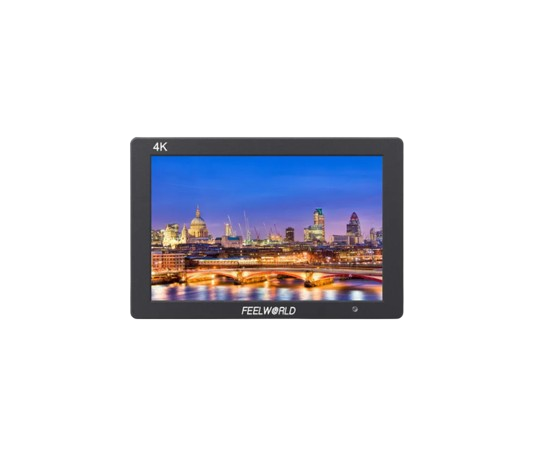
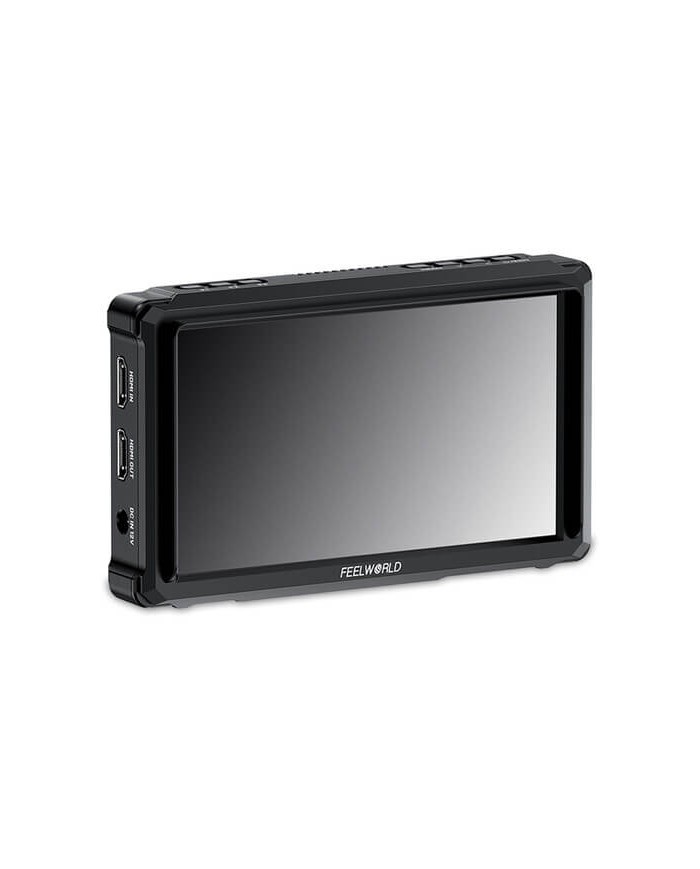
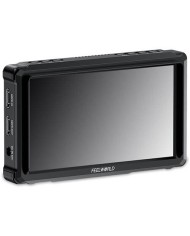
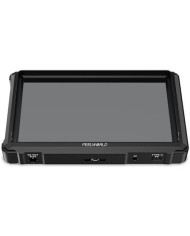
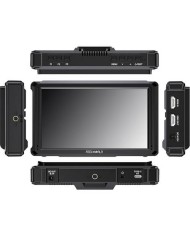
The FW568 PRO monitor from FeelWorld features a 6" high-brightness 4K HDMI display for cameras with a resolution of 1920 x 1080 and a maximum brightness of 1200 cd/m². It supports HDMI input signals with resolutions up to DCI/UHD 4K60 and provides an HDMI output to connect wireless transmitters, larger studio monitors, and other devices.
This ultra-light monitor features a high-brightness display of 1200 cd/m² with HDMI input and output up to 4K60 and various camera auxiliary functions to meet your creative needs anytime, anywhere.
When HDR is activated, the display reproduces a greater dynamic range of brightness, allowing clearer visibility of both light and dark details thanks to the integrated HLG1, HLG2, and HLG3 functions.
Equipped with DCI/UHD HDMI input and output at 4K, the monitor supports resolutions up to 4096 x 2160p60 (DCI) and 3840 x 2160p60 (UHD). These resolutions are compatible with the latest DSLR and mirrorless cameras.
A 3.5 mm headphone jack on the bottom allows monitoring of the integrated HDMI audio.
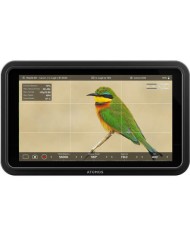
A wide range of software functions includes waveform, vectorscope, histogram, and anamorphic mode. These can be accessed via the menu wheel located at the top of the monitor.
The menu system is straightforward, with side touch tabs and a clean aesthetic, providing a live view of most settings as you navigate through the tabs, including the LUT tab, where recording profiles can be selected.
Multiple power options include:
12 VDC input for connecting optional dummy battery cables
5 V USB-C port for external batteries, a USB power adapter, or a USB port for computer
Battery slot compatible with an L-series battery at the back
The FW568 PRO provides an auxiliary DC power output of 8.4 V with a 2.1 mm power cable or a dummy battery adapter (available separately), allowing users to power their cameras from the monitor's power source.
With a battery adapter cable, the monitor can extend the camera's battery life while providing a more practical display.
Two 1/4"-20 mounting threads are included on the bottom and right side for mounting the monitor on a camera support, such as a gimbal, or directly onto the camera cage or hot shoe.
The included hot shoe adapter allows for quick mounting and dismounting of the monitor, featuring 180° tilt and 360° rotation.
The FW568 PRO offers four different groups to save menu settings.
You can select from groups 1, 2, 3, or 4 after configuring the various menu settings for quick access in different recording scenarios.
The monitor supports 3D LUTs, a table for quickly referencing and generating specific color data. By loading custom 3D LUTs, the monitor can quickly remap color tones to create different color styles. It features four built-in DE-log LUTs; it can also load up to 32 custom .cube files via a USB memory stick. You can connect your USB-A flash drive to the monitor using the included USB-A to USB-C adapter.
A sunshade is included to prevent unwanted reflections or glare on the screen in bright conditions.
It easily installs on the front of the monitor without the need for tools.
The multiple intuitive buttons on the top of the monitor allow you to easily control the menus. There are three customizable shortcut buttons so you can pre-set shortcut functions and quickly access necessary features during recording, enhancing efficiency on set.