
 Español
 Français


There are no more items in your cart



Si bajamos el precio antes del 30, te devolvemos la diferencia. Ver condiciones
Print from the INSTAX MINI LINK app
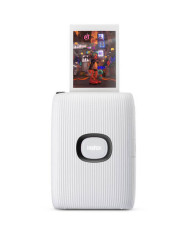
Print photos of 5 x 7.6 cm
Add filters and frames to your photos
Compatible with the Nintendo Switch app
Add sketches and stickers to your photos
Add doodles and shapes to your photos
Print photos from videos
Bluetooth connectivity
Print QR codes on your images
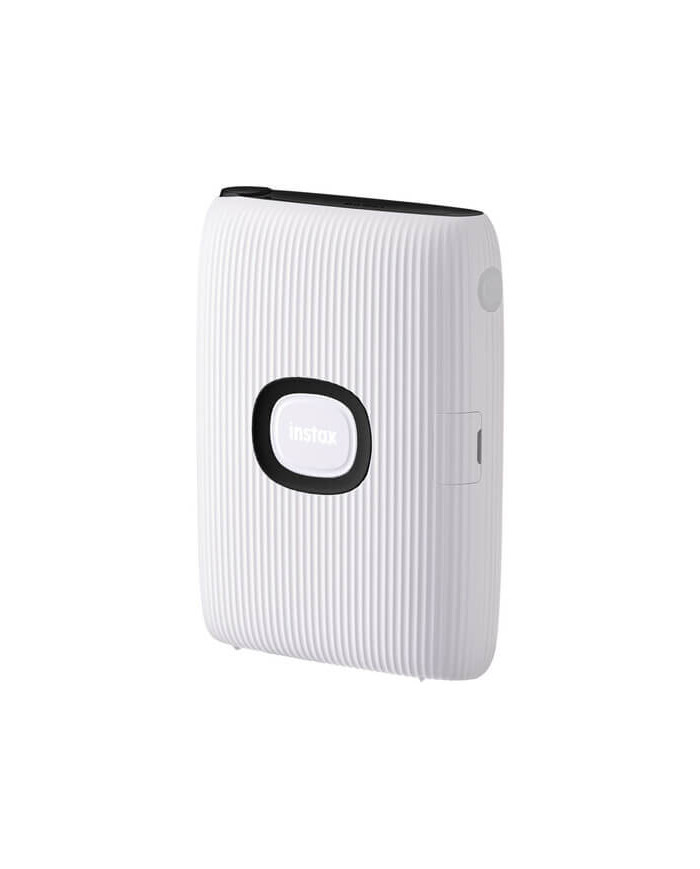
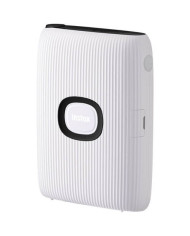
Compact and lightweight


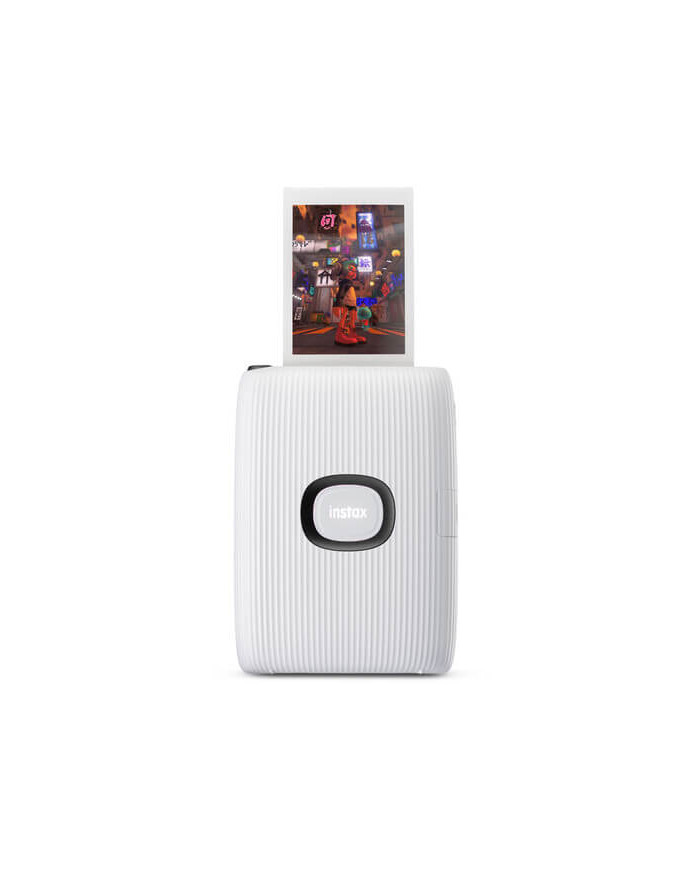
Print instant photos directly from your smartphone with the FUJIFILM INSTAX MINI LINK 2 Special Edition smartphone printer. This compact portable printer connects to your smartphone via Bluetooth and works with the free INSTAX MINI LINK app to create prints of 5 x 7.6 cm from photos or videos. Before printing, you can decorate the images with frames, filters, sketches, and stickers. You can also use the INSTAXAiR function to add bubbles, petals, neon, spray paint, glitter, doodles, and shapes to your photos, all by drawing in the air. You can also record a video of the drawing and share the moment as a printable QR code that you can scan with your smartphone.
Its compact and lightweight design allows you to take it anywhere
Connects wirelessly to your smartphone via Bluetooth
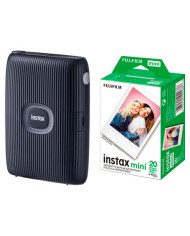
For use only with INSTAX MINI instant film to print 5 x 7.6 cm photos
Requires the free INSTAX MINI LINK app for smartphones, available as a free download for iOS and Android devices
The built-in lithium-ion battery lasts approximately 100 prints per charge and recharges in 80-120 minutes. Minutes
The Simple Print offers a quick and easy print to create a print from your smartphone in just 15 seconds.
The INSTAX Camera Mode, along with the integrated motion control of the MINI LINK 2, allows you to take photos remotely with your smartphone using the power button to control the shutter and adjust the zoom by tilting the printer.
Choose between the INSTAX-Rich Mode for more vibrant colors or the INSTAX-Natural Mode for a more organic look.
With the INSTAX MINI LINK app, add frames, filters, sketches, and stickers to your image before printing.
INSTAXAiR allows you to draw whatever you want in "AiR" and add it to your print. Simply hold down the function button on the printer and move it to draw. You can also draw with greater precision directly in the INSTAX MINI LINK app, record yourself drawing, and share it as a QR code on your print.
Test your compatibility with a friend using Match Test, where the printer prints a photo of you and your friends, analyzes it, and prints a score of up to 100. If you prefer quizzes, answer questions and print the results on a photo.
The frame printing allows you to add a fun frame design to your print.
The collage printing allows you to combine several images into a single print.
The "Draw, edit and print" function allows you to import and add your sketches or handwritten text to your photos.
Perfect for gamers who want to commemorate an epic battle or record their achievements, the INSTAX MINI LINK app for Nintendo Switch is available, allowing you to print screenshots from your games.
Direct printing with Switch lets you choose the screenshot you want to print from Nintendo Switch, display a QR code that can be scanned with your smartphone, and then print the photo to finish.
INSTAXAiR has been updated with a new Splatoon 3 squid stamp.
You can add Nintendo character stickers and frames to your prints, including favorites from games like Pokémon Snap, Splatoon 3, Animal Crossing: New Horizons, and Super Mario.
The app theme can be customized according to your favorite Nintendo game.